Cell Phones Guide and Apps


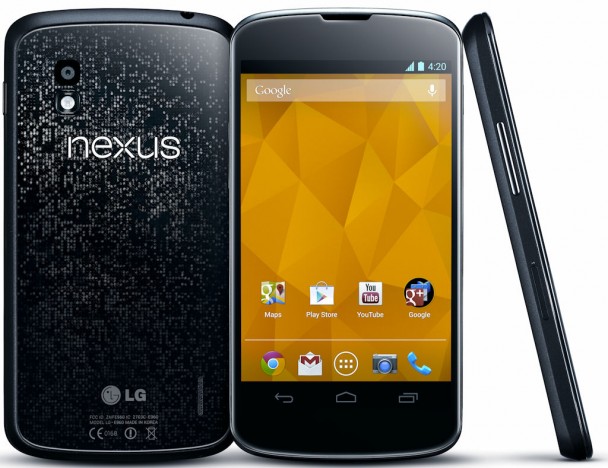
Learn how to connect to NFC on the Google Nexus 4

Learn how to connect to NFC on the Google Nexus 4
Learn how to connect to NFC on the Google Nexus 4.

Read NFC tag
To read the NFC tag information from another NFC device or a printed tag, follow these steps:
Gently place the back of your device against the NFC antenna location on the other device or against the printed tag.
When your phone has successfully read the tag, it will play a notification sound.
The content will display on your screen.

Turn on / off NFC
To turn on or turn off NFC, follow these steps:

From any Home screen, tap the All apps
Tap Settings.
Under Wireless and network, tap More.
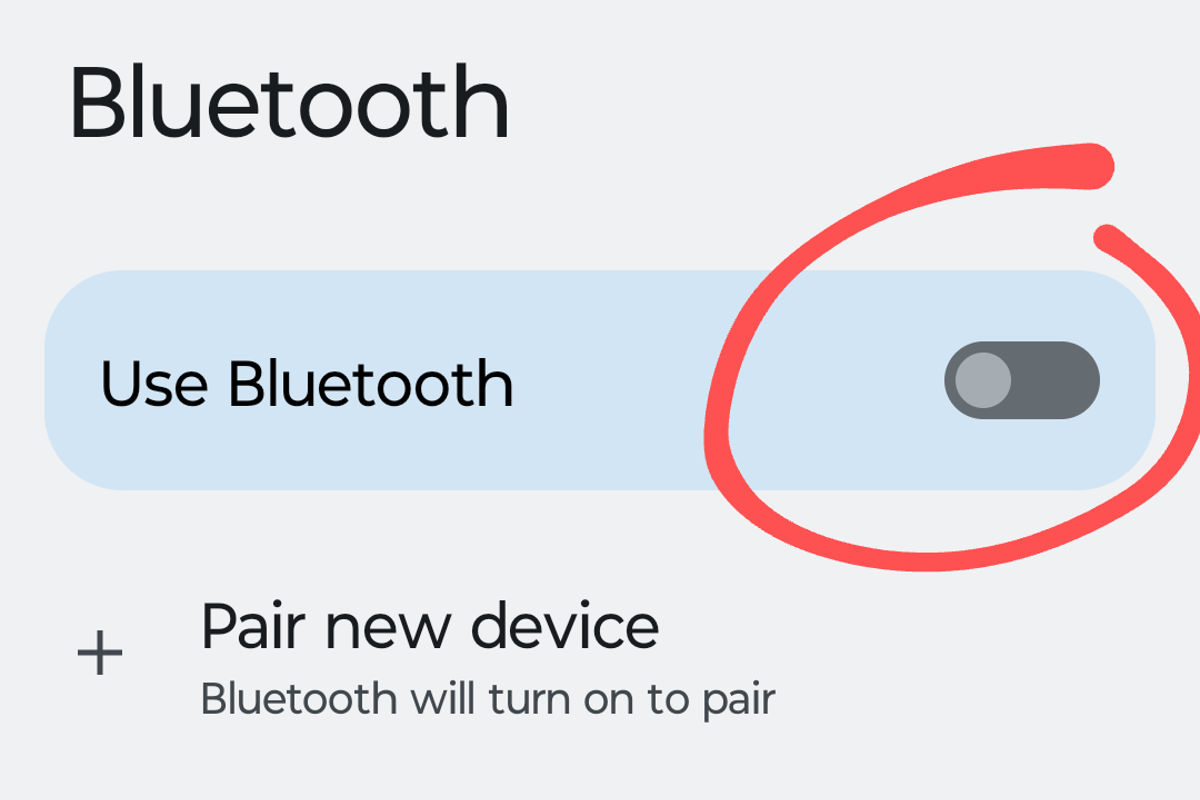
Tap the NFC slider to turn on NFC.


Irelia, Lead Tech Writer
Irelia
Lead Tech Writer
Irelia translates complex current events into engaging digital and print narratives.


Views: 1258 / 1258 


Category: -
Tags: -


Facebook         


Linux Ubuntu Guides Linux games - Lutris.net Lineage 2 Fafurion server - Your Best Lineage 2 Experience! Advertise on wowshrine.net


If you find a link is broken, please email us. Thanks!

All are PDF files that require Adobe Acrobat Viewer for viewing.
Click here to download the viewer.