Cell Phones Guide and Apps


How do I check the version of Android software on my device

How do I check the version of Android software on my device
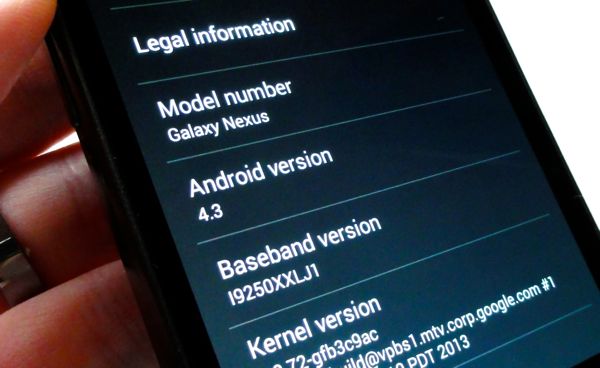
To determine what version is running on your device, select Apps > Settings > About phone or About tablet.
This version will change with each update or upgrade that you install.

To manually check for a software update select Apps > Settings > About phone or About Tablet > System updates.




Views: 1474 / 1474 


Category: -
Tags: -


If you find a link is broken, please email us. Thanks!

All are PDF files that require Adobe Acrobat Viewer for viewing.
Click here to download the viewer.