Take a screenshot on your iPhone:
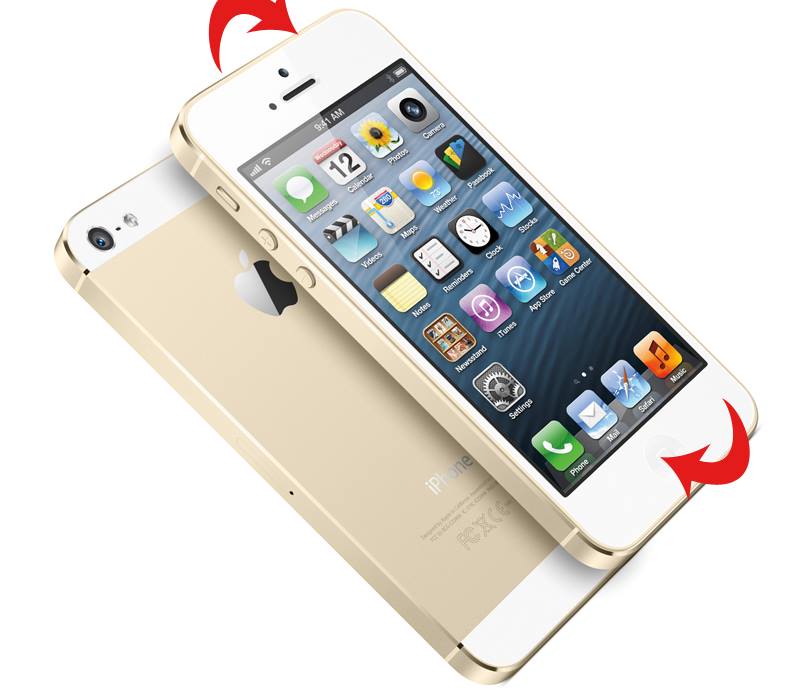
1. Press and hold the Sleep/Wake button on the top of your iPhone, then immediately press and release the Home button.
2. The screenshot is added to the Camera Roll in the Photos app.
liviuevb
Lead Tech Writer
liviuevb is a news editor and has been writing about tech and games professionally for over a decade.